-
1. Hardware Architecture & Peripherals
-
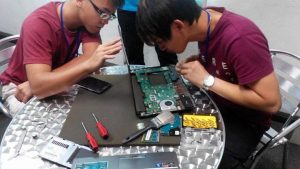
Identify System Components: Distinguish between primary internal hardware components (CPU, RAM, Storage/SSD, Motherboard, GPU) and their basic functions.
-
Manage Peripherals: Connect, configure, and safely disconnect external devices (monitors, printers, input devices, external drives) using standard ports (USB, HDMI, DisplayPort).
2. Operating System (OS) Basics
-
Navigate the GUI: Operate the core graphical user interface (GUI) of modern operating systems (Windows/macOS), including taskbars, control panels, and system settings.
-
Execute File Management: Create, organize, search, copy, move, and compress files and directories within a structured file system hierarchy.
3. Network & Internet Essentials
-
Establish Connectivity: Connect devices to local area networks (LAN) and wireless networks (WLAN), verifying basic internet access.
-
Navigate Web Technologies: Utilize web browsers effectively, managing tabs, bookmarks, cache, cookies, and basic browser extensions.
4. Software & Application Usage
-
Deploy Applications: Safely download, install, update, and uninstall standard desktop software and applications.
-
Operate Productivity Suites: Demonstrate basic proficiency in standard office applications (word processors, spreadsheets, presentation software) for data entry and documentation.
5. Foundational Digital Safety
-
Maintain Account Security: Create and manage strong passwords, understand basic user authentication, and lock desktop environments.
-
Identify Threats: Recognize basic digital threats, such as phishing emails, suspicious links, and unverified software downloads.
-